01 / CONTENT
Choose what you want to share.
Start with a website, social profile, review link, menu, playlist, Wi-Fi network or contact card. Add a destination once and see the QR update.
Turn your link into a piece of your world.
Custom QR images. Designed to be seen.
 Your Brand Here.
Choose a destination. Shape the image.
Make every connection your own.
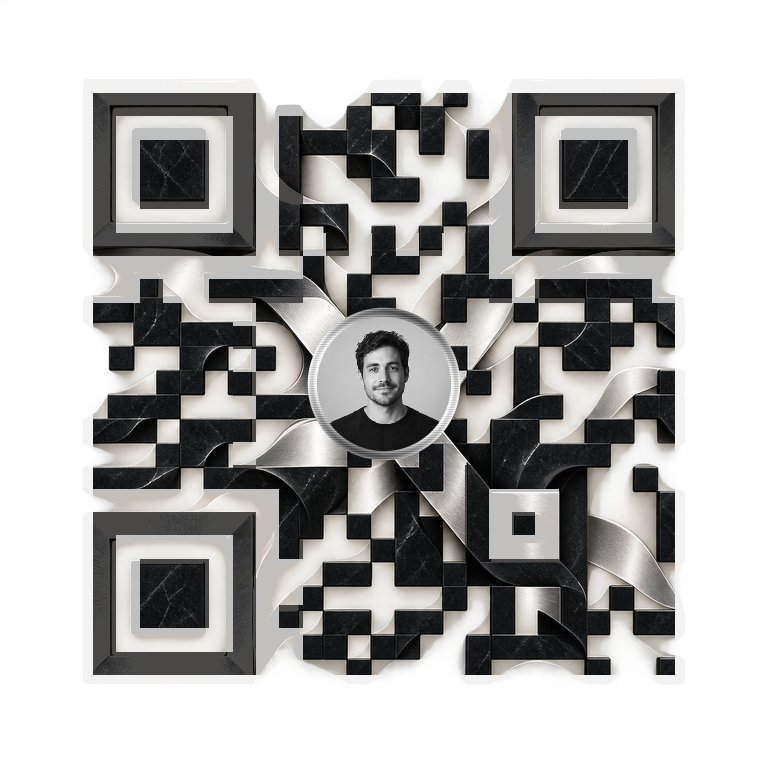
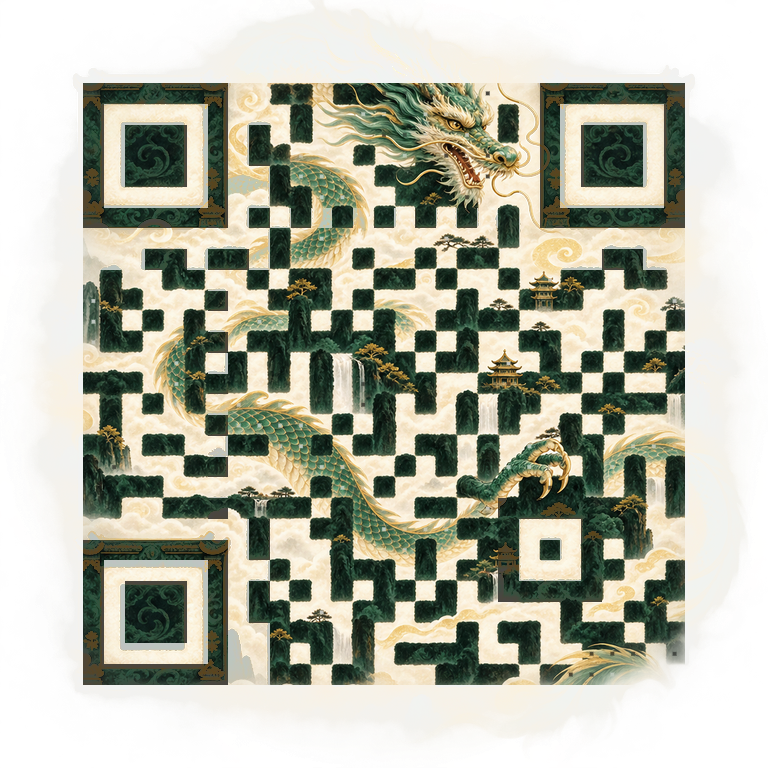
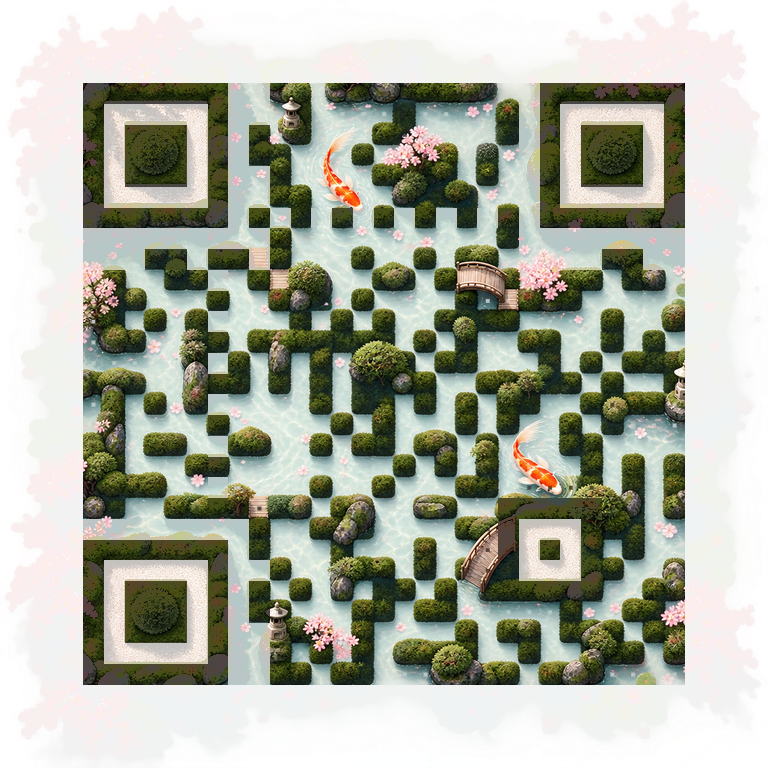
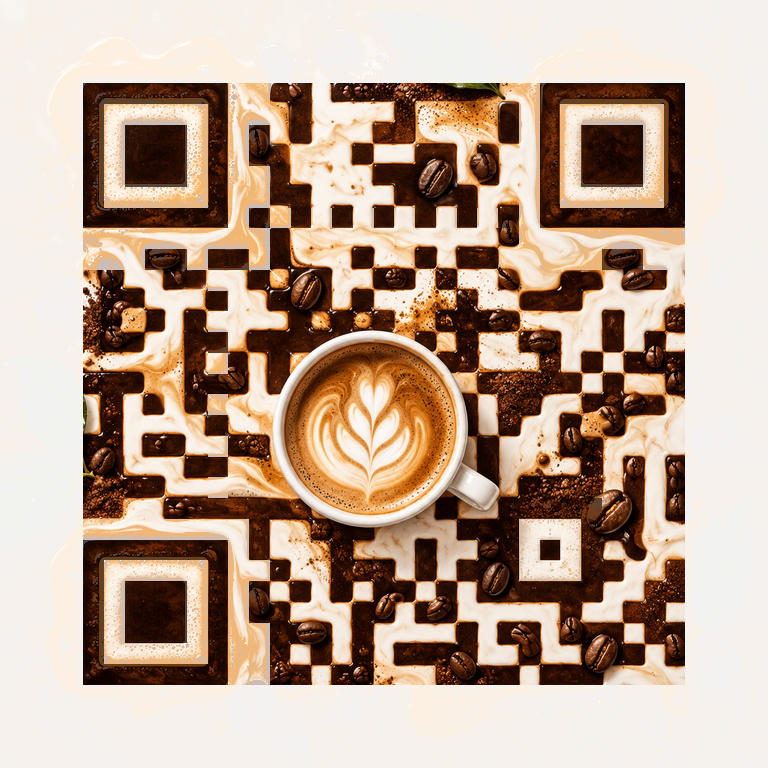
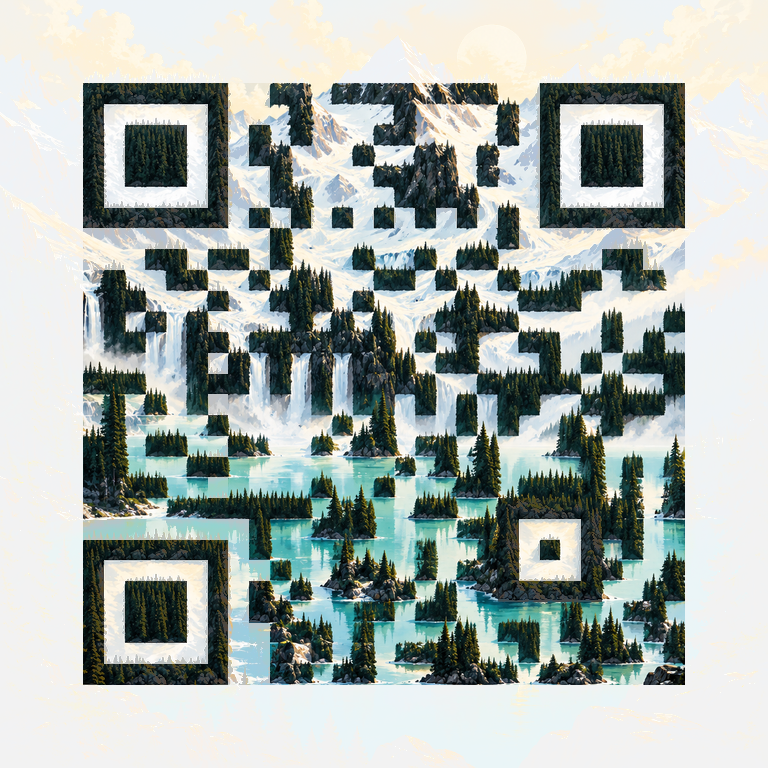
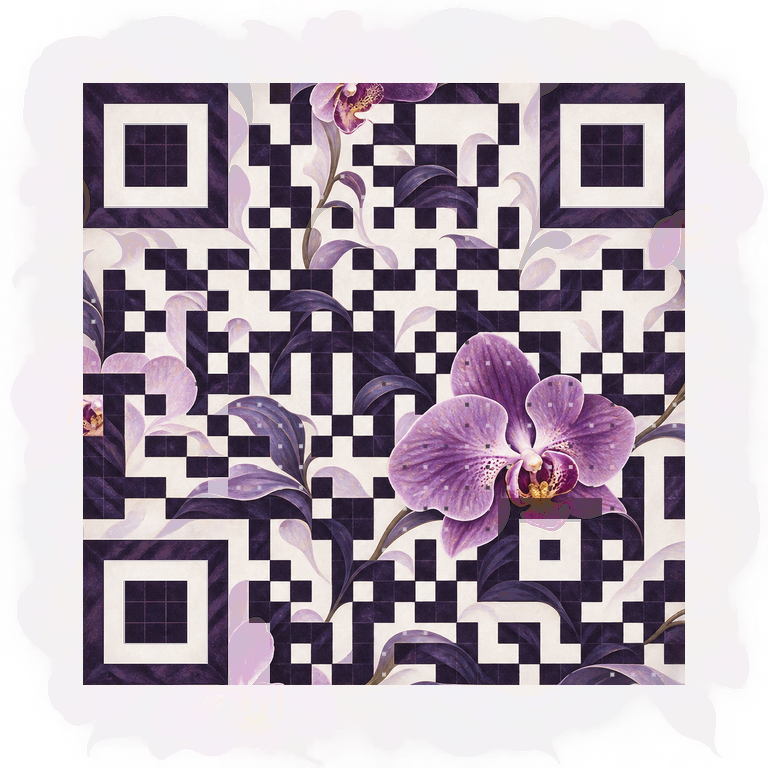
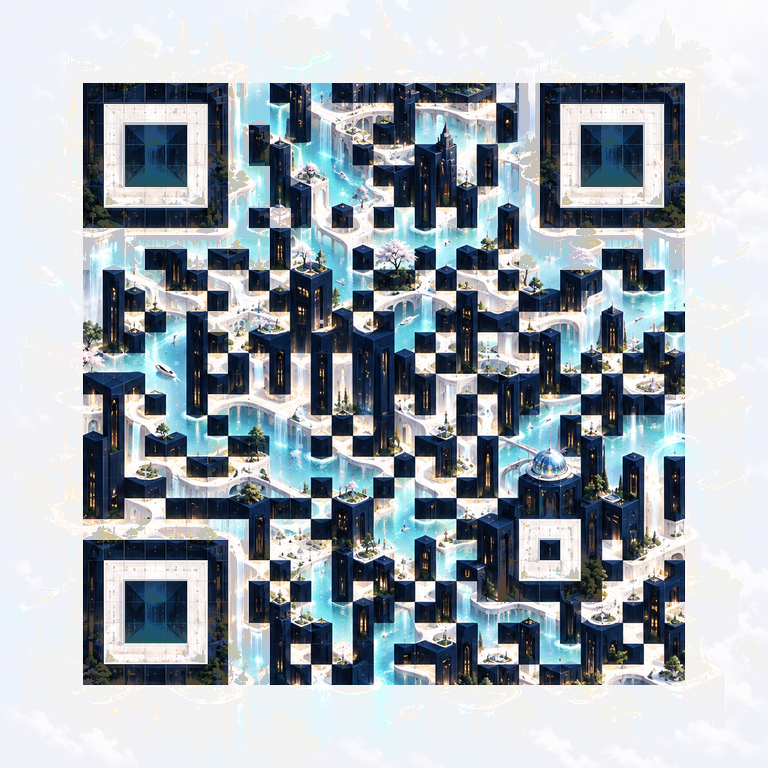
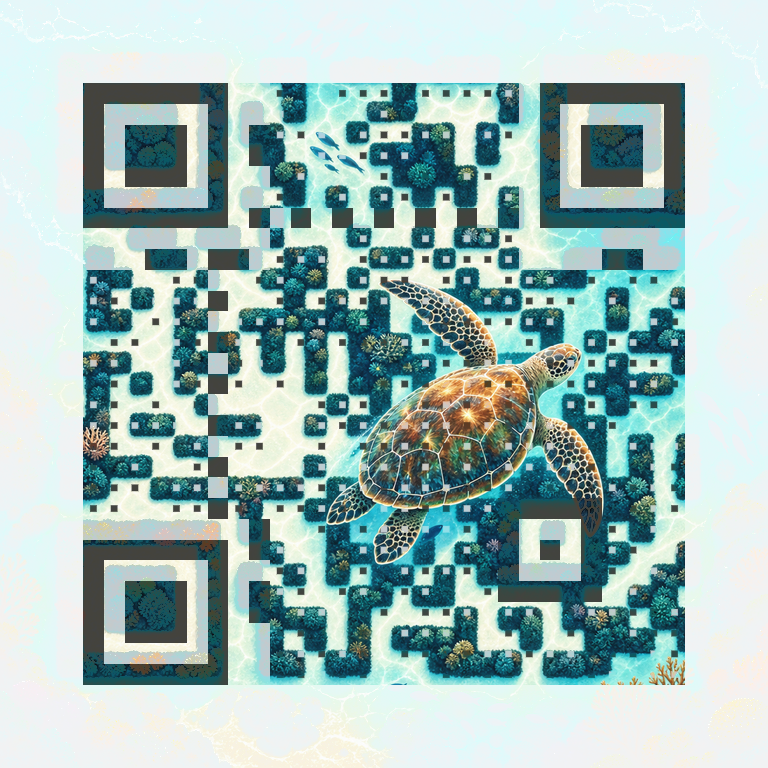
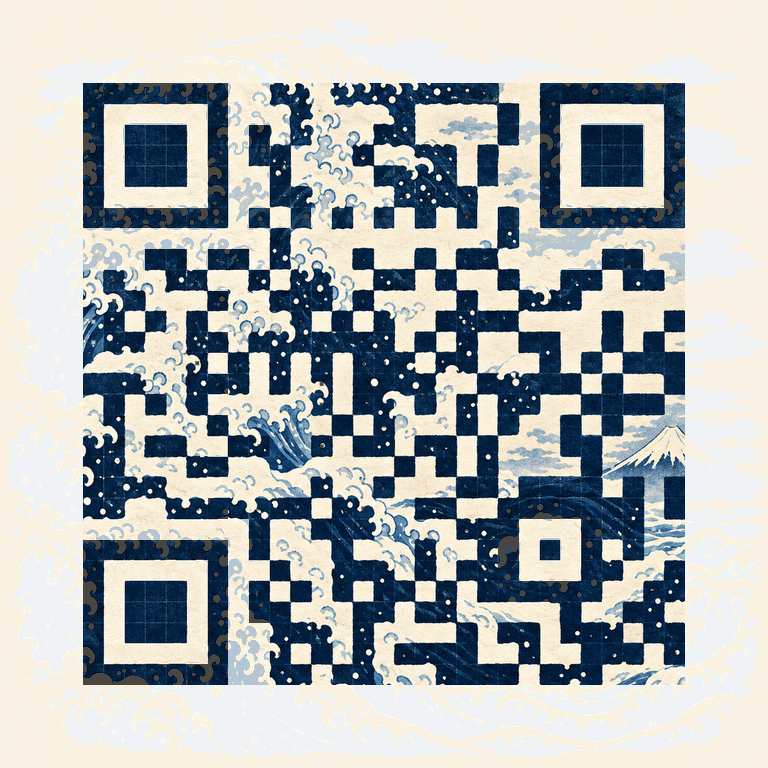
Choose an AI-created artwork and weave in your destination. Explore brand studies ↗
A familiar flow, with room to make the result unmistakably yours.
Start with a website, social profile, review link, menu, playlist, Wi-Fi network or contact card. Add a destination once and see the QR update.
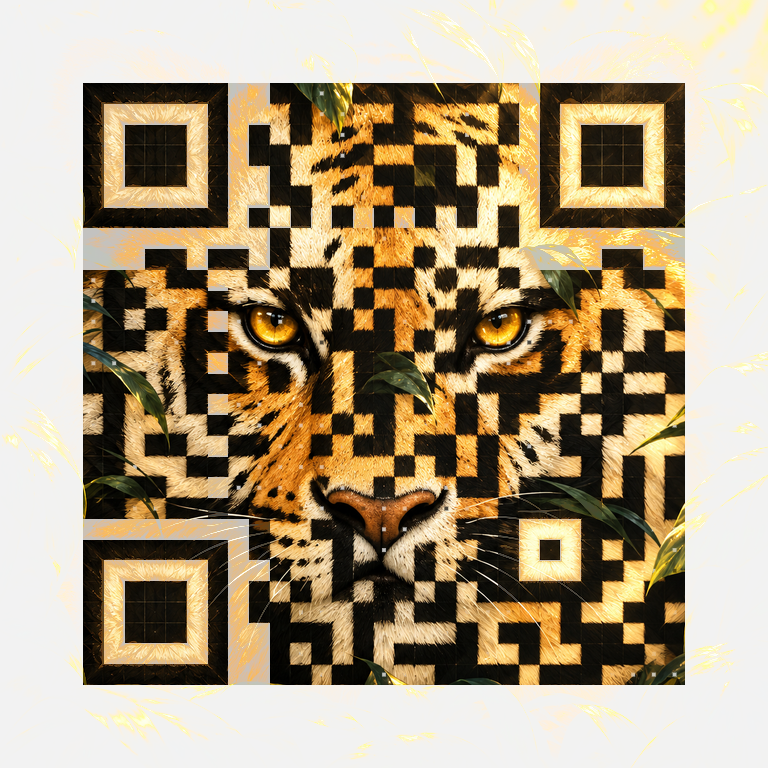
Choose a clean custom QR, build around your own image, or explore QR Art. Then customise the pattern, colour and centre image.
Preview the complete image, check that it opens the right destination, and choose your format. Print a proof before a larger run.
From a simple introduction to a full visual identity, the choice is yours.
Choose an image direction, add your destination, and make it your own.
Choose, customise, check and download in one place.
Choose a custom pattern, use your own image, or start with an AI-created artwork.
Choose colours and module shapes. Add a logo or profile photo at the centre.
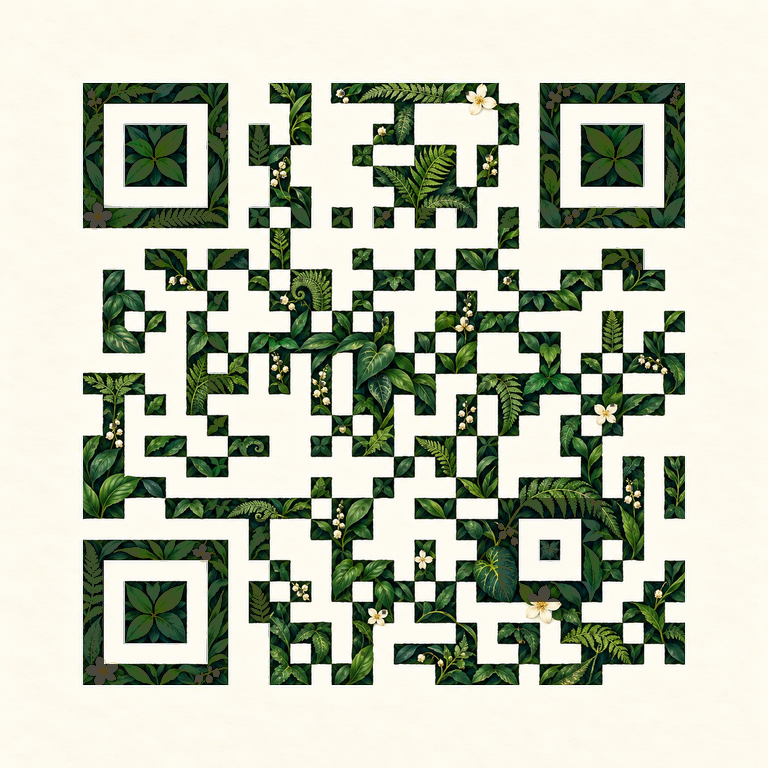
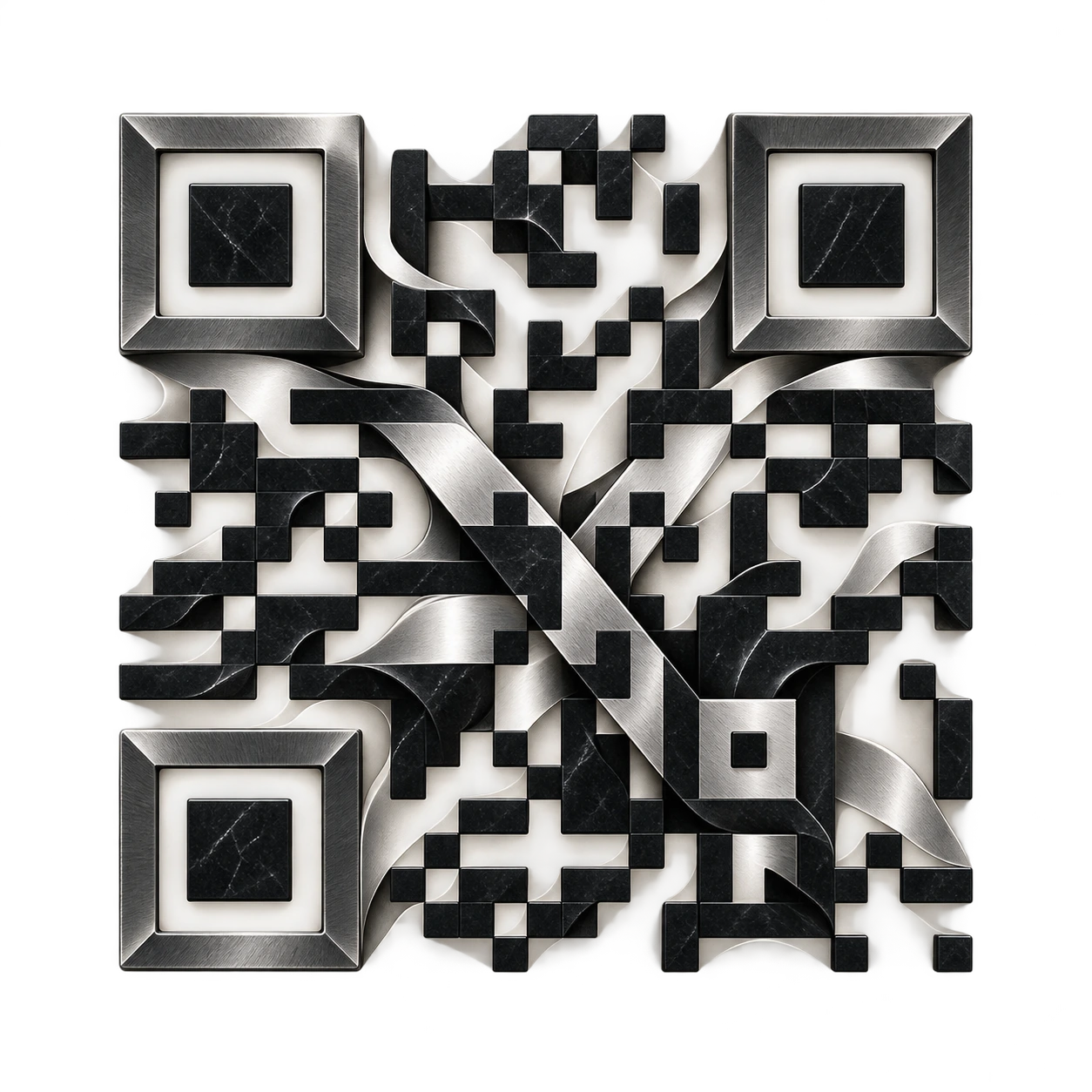
Explore 14 image directions, from botanical illustrations to sculptural metal.
Start with a profile, playlist, menu, product, review page or another public link.
Create a Wi-Fi QR for guests or a contact card for your next introduction.
Read back the final QR at full size, at a smaller size and in a reference scan simulation.
Your images and destination are processed on your device. No account is needed.
Download PNG, an SVG image document or an RGB PDF at your chosen print width.
Bring a PNG, JPEG or WebP. The image and QR structure become one composition.
Popular destinations, Wi-Fi access and contact details. Start with the one you need.
A website, landing page or any public link.
Create QR codeYour profile, portfolio, post or reel.
Create QR codeA direct link to your business review page.
Create QR codeLet guests join your network with a scan.
Create QR codeShare a PDF already hosted at a public URL.
Create QR codeSend people to your creator profile or video.
Create QR codeMake professional connections in person.
Create QR codeShare your public profile with an ordinary QR.
Create QR codeConnect viewers to your channel or video.
Create QR codeShare a song, album, playlist or artist page.
Create QR codeGive people a direct route to your chat.
Create QR codeBring people to a page, group or event.
Create QR codeShare a product, storefront or wishlist.
Create QR codePut your profile or a conversation within reach.
Create QR codeHelp people find your place or business.
Create QR codeShare a name, phone number and email address.
Create QR codePut your online menu on every table.
Create QR codeOpen a form, survey or registration page.
Create QR codeA website or public link, Wi-Fi network details, or a contact card. The destination shortcuts help you start with common links such as Instagram, LinkedIn, menus, PDFs and playlists.
These are static QRs and have no expiry set by QR Upgrade. A link still depends on its destination remaining available. Network credentials and contact details remain as originally encoded.
They are ordinary QR images that open your chosen public link. They do not create Snapchat Snapcodes or Spotify Codes, and are not endorsed by those platforms.
A static QR stores the destination inside the image. Change it in the generator and download a new QR. If you own the destination page, you can update the content on that page.
Custom QR gives you a clean pattern with editable colours and shapes. Image QR uses your uploaded picture. QR Art starts with one of our AI-created artwork examples. All three are checked before export.
Yes. Open the Logo tab, choose an image and adjust its size. The complete QR is checked again. You may need a smaller centre image or stronger QR contrast to pass.
The current generator offers ready-made AI-created artwork and local image uploads. Live prompt-to-image generation is planned and is not available in this baseline.
PNG, SVG and RGB PDF. Custom QR exports without a centre image use vector SVG. Image, artwork and logo designs use an SVG document containing the complete raster image. The PDF uses your selected QR print width.
Use Adjust for scanning, reduce the centre image, increase scan strength, or choose a simpler design. Test a physical proof on the phones and materials you intend to use.
No. The current generator processes your selected image and QR content locally in your browser. Reset clears the draft. Files you download or share remain under your control.
Hosted dynamic links, scan analytics, passwords, expiry and A/B routing are planned services. They are not active in this baseline. A static QR can link to a page that already provides those features.
They add campaign labels to a website link. Your website’s analytics may use those labels when a visitor opens the link. QR Upgrade does not collect scan analytics in this baseline.
No. The checks confirm the exact encoded content under reference conditions. Paper, lighting, size, glare and the camera can affect a real scan. Always test the finished physical design.
Give your link a design worth sharing.
Create your QR code